Create Your Account
Setting up your Virtual Cofounder account takes just a minute.
Sign Up
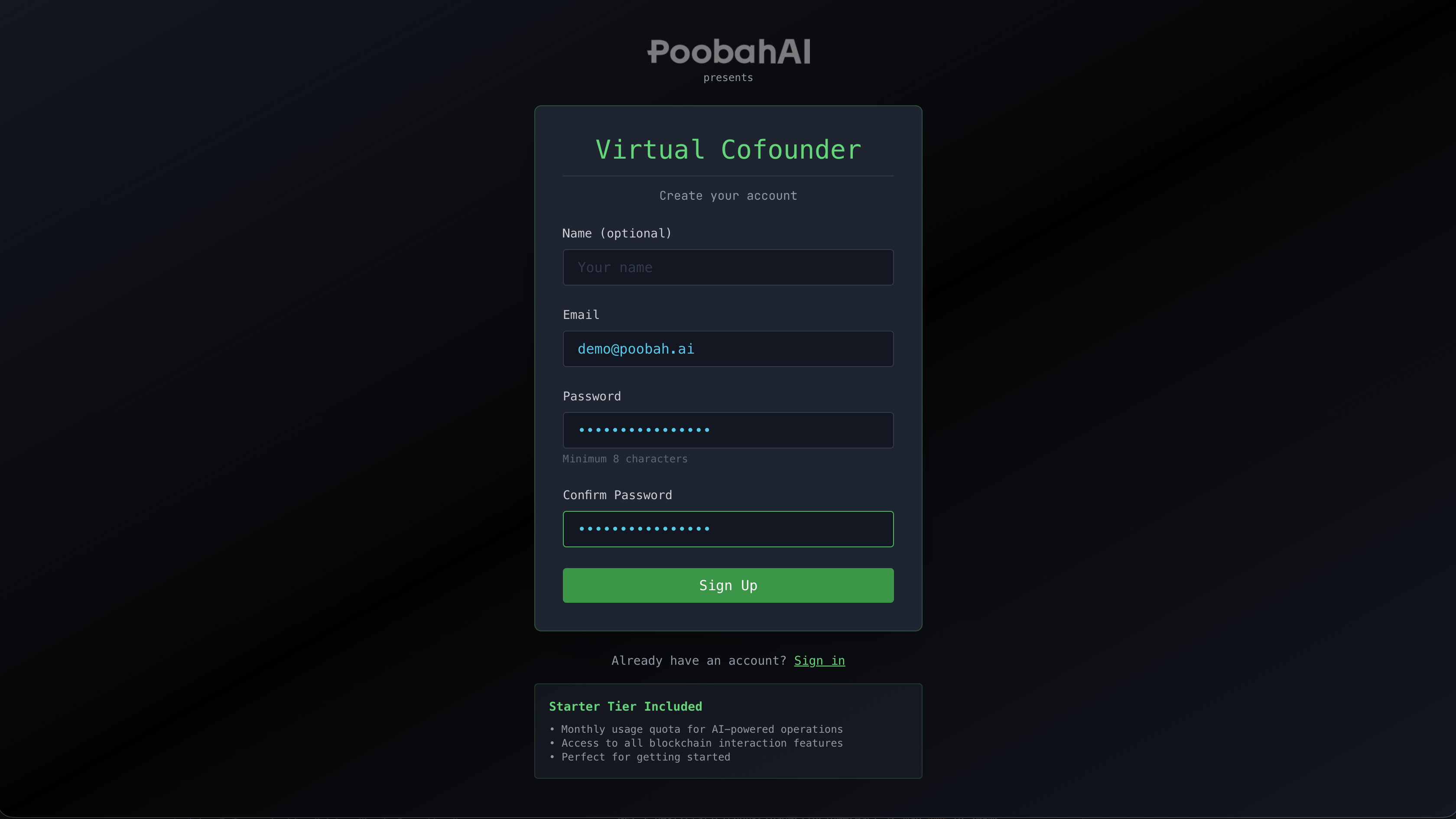
- Visit the Virtual Cofounder application
- Click Sign Up to create a new account
- Enter your email address and create a password (minimum 8 characters)
- Optionally add your name
- Click Create Account
If signups are restricted, see Access & Availability for how to join the waitlist.
Understanding Usage
Your account includes a monthly usage allowance that covers your conversations with Virtual Cofounder. The usage indicator in the header shows how much of your allowance remains:
- Green — Plenty of usage remaining
- Yellow — Approaching your limit (75% used)
- Red — Near or at your limit (90%+ used)
Usage resets at the beginning of each billing cycle. If you need more capacity, contact the Poobah team about upgrading your tier.
Next Step
Now that you're logged in, learn about Understanding the Interface to get familiar with the layout.